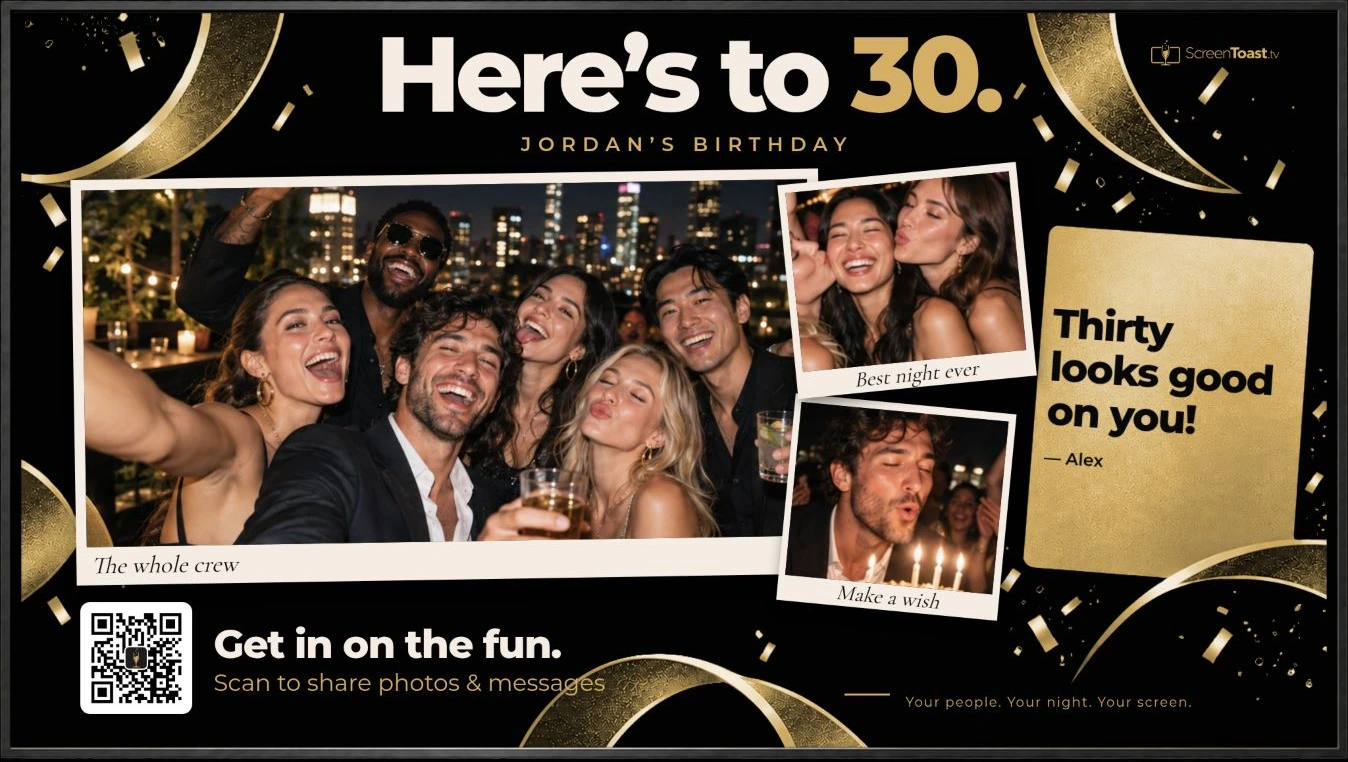
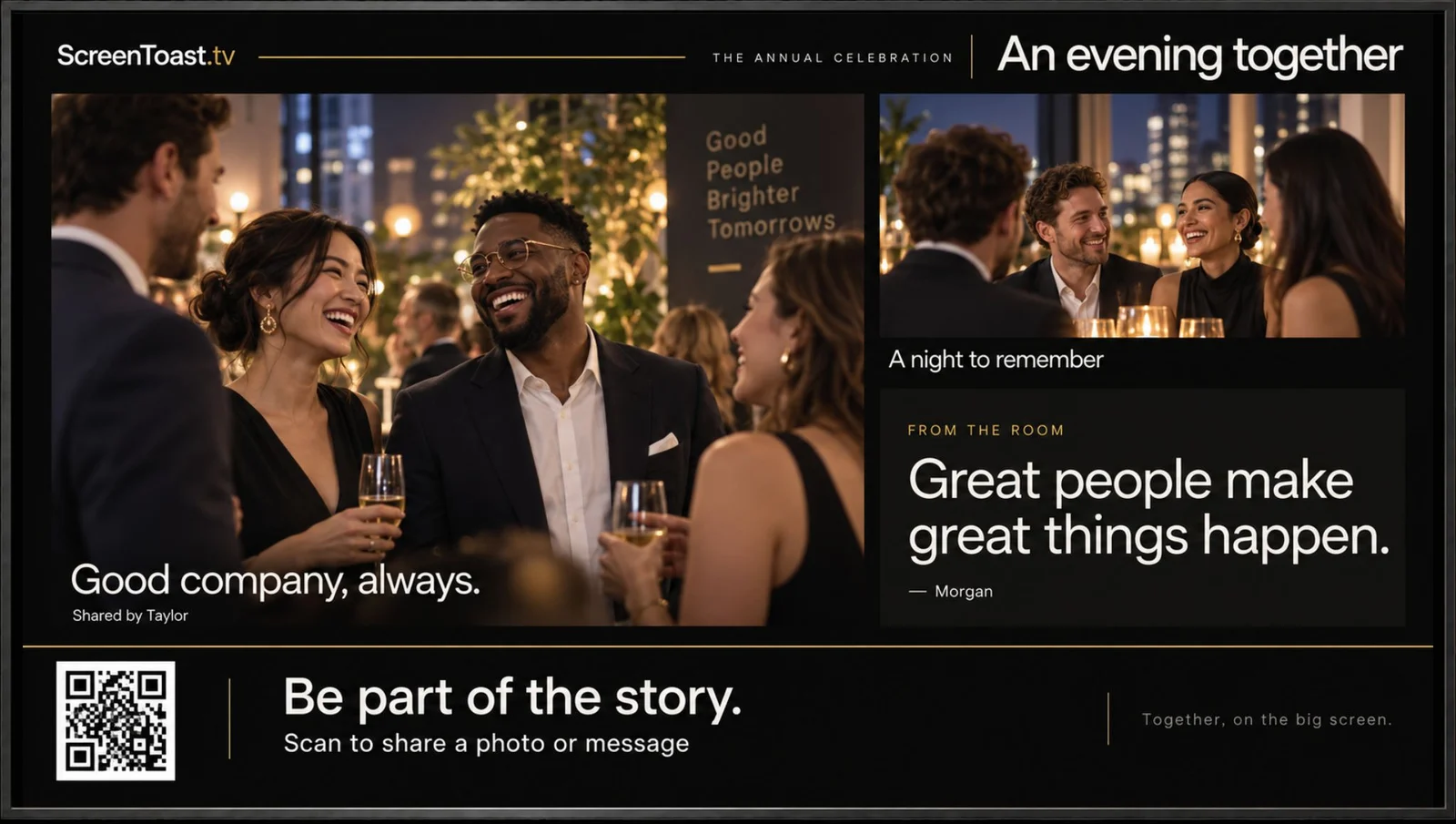
Make the screen yours
Add your event name, favorite photos, colors, and schedule. Open the display in a TV browser or connect a laptop to your TV.
Your celebration now has its own live screen—with a QR code that invites every guest to join in.

Your event, on the big screen
Turn any screen into a beautifully branded, live event display for guest photos, messages, and the moments everyone came to celebrate. Choose the plan that lets you relive them afterward, too.
One-time plans from $29 · No guest app · Use a compatible browser or connect a device
See how it works on your screen →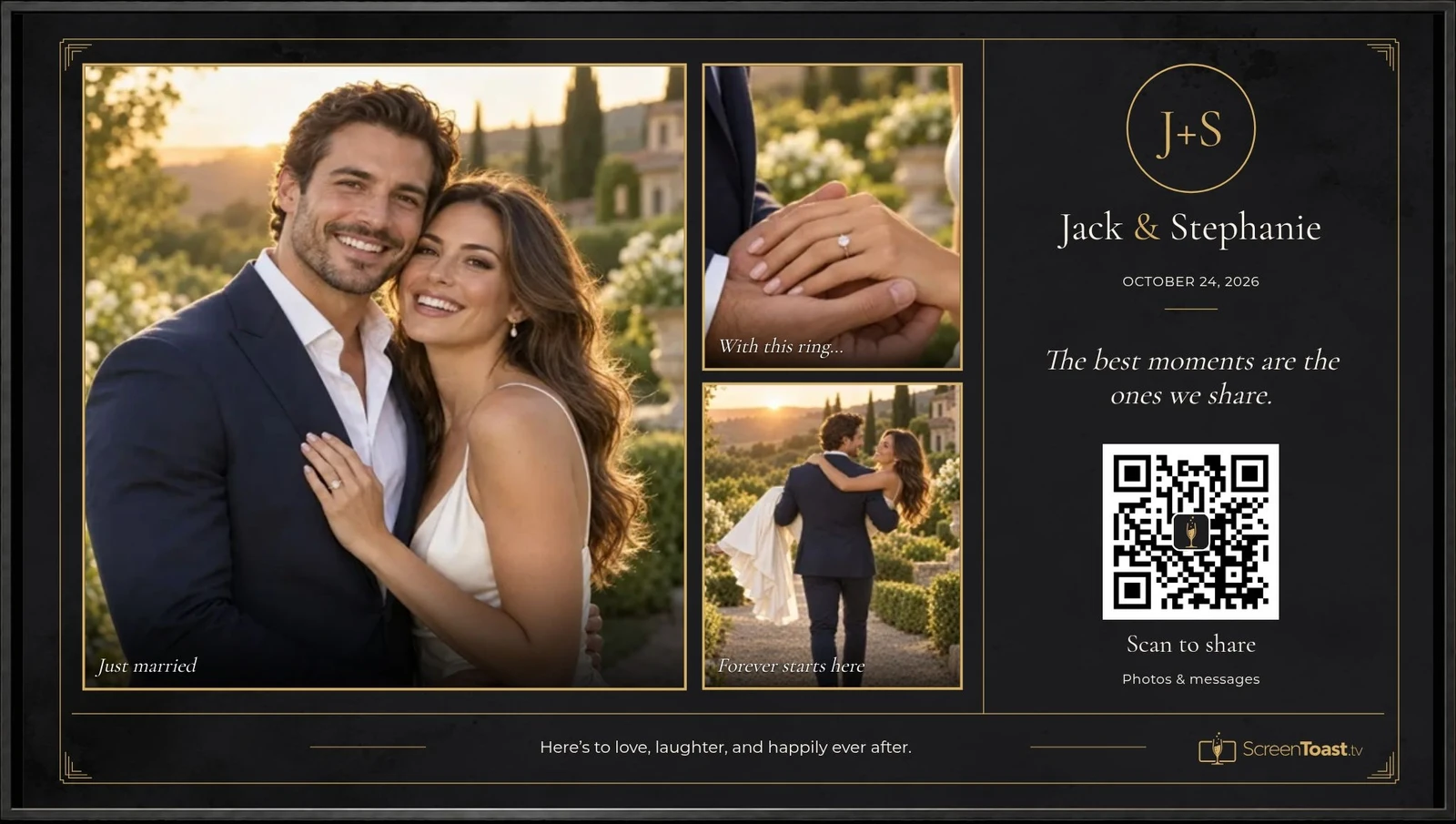
ElegantWedding
Three simple steps
Give guests a place to find event details, share their favorite moments, and send a little love. You enjoy the celebration while their photos and messages become part of it.
Add your event name, favorite photos, colors, and schedule. Open the display in a TV browser or connect a laptop to your TV.
Your celebration now has its own live screen—with a QR code that invites every guest to join in.
Guests scan the QR code to open your event menu on their phones. There’s no app to download. From there, they can:
Photos and messages are automatically screened before appearing on the big screen. Everyone can laugh at the candid shots, read the heartfelt wishes, and celebrate together.
Afterward, revisit the moments you might have missed. Every plan includes photo and received video-toast ZIP downloads. Choose the Complete Package for longer guest sharing and a shareable online photo album hosted for one year.
Save the memories you want to keep. Every plan includes photo and received video-toast ZIP downloads. The Complete Package adds longer guest sharing and a one-year Keepsake Gallery. Find your plan →
Guest options, downloads, and how long content stays available depend on your plan and settings.
Designed for the room
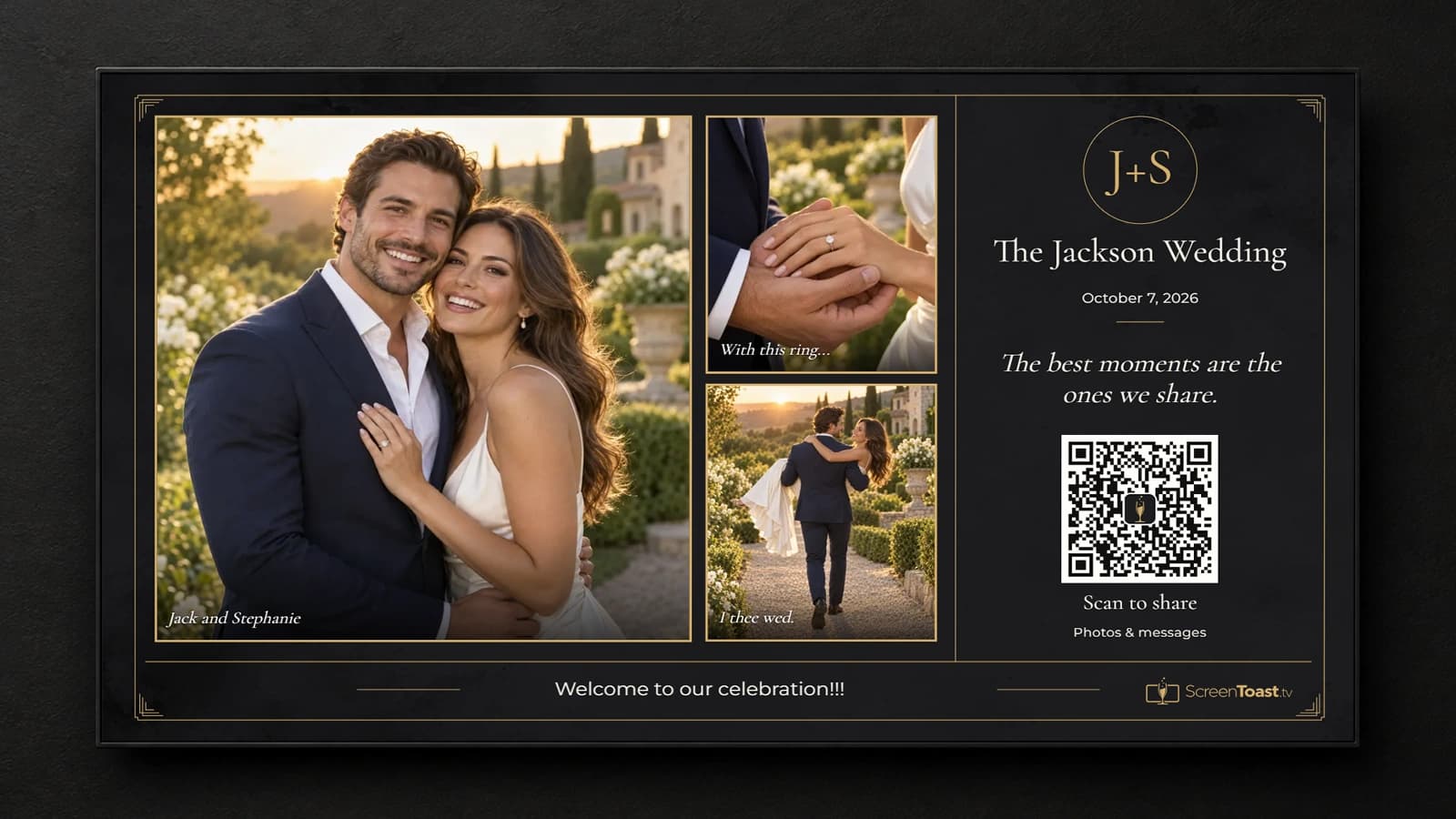
ScreenToast gives the host creative control before the event, then quietly keeps the screen current as guests begin to share.
Choose a curated display skin, font pack, and accent color. Add starter photos, refine every crop, and pin a favorite image in place.
Guests scan once to share photos and messages from their phones. Friends who cannot be in the room can join through the same shareable event link.
The live schedule keeps the room oriented, recent moments stay in view, and the next item is clearly highlighted as the event unfolds.
Names, captions, messages, and photos are automatically screened before approved moments appear. Hosts can remove anything from the dashboard.
What guests see
One QR code opens your event on their phone. Guests can share a photo, send a toast, and enjoy The Wall—right in their browser.
Choose a favorite from the camera roll, add a short caption, and share it with the room.
Send a toast, a memory, or a little love. Photos and messages are automatically screened before approved moments appear.
Guests can browse The Wall on their phones and share the event link with friends and family who couldn’t make it.
When enabled, the host’s preferred gift options are right in the event menu. Gifts go directly to the host through their chosen service.
Try the phone. Tap, type, and scroll.
Sample event. Nothing you try here is sent to a real celebration.
Try itout.
 Event menu
Welcome to
The best moments are the ones we share.
October 7, 2026Made to feel like your event
Build directly on the event screen instead of guessing from a settings panel. Set the typography and color, position each photo, add captions, write the opening message, and preview the result full screen.
During the event, guest photos rotate into the layout, messages join the screen, and the optional schedule keeps the next moment visible without taking over the design.
For the host, during and after
Guests turn candid photos and personal messages into a shared experience on your screen. Your event design, optional schedule, and host controls keep it feeling like your celebration.
Revisit your event for 7 days with the Essential Package or 30 days with the Plus Package. The Complete Package goes further: collect the shots still on guests’ phones, download approved originals, and share a one-year Keepsake Gallery, up to 10 GB.
Know your setup before you buy
Use a screen with a compatible browser—or connect a device with a browser. A TV without a built-in browser can still join the celebration through a computer and HDMI.
For a long event, we recommend a plugged-in computer connected by HDMI. A tested TV browser is a convenient option; wireless mirroring works with compatible devices and a suitable network.
Simple, one-time event pricing
$29 one time
A polished photo wall for a smaller celebration.
During your event
After your event
ZIP downloads are included. Extra guest-upload time and a shareable one-year photo album are available as add-ons.
$59 one time
Unlimited photos and more time to revisit your event.
During your event
After your event
ZIP downloads are included. Choose the Complete Package for longer guest sharing and a shareable photo album hosted for one year.
$99 one time
The Plus Package with extended collection, a gallery, and a second round.
During your event
After your event
More time to collect, revisit, and share. Keep your downloaded copies after the gallery and review period end.
Ready when plans change
Create the event, customize the screen, and share the QR. No installation appointment, equipment rental, or app download required.
A little help before the big moment
Want someone to walk through ScreenToast setup with you ahead of your event? Add a live setup session to your event cart, priced separately from your plan.
48 hours to less than 7 days: contact us for availability and pricing.
Purchase support with your initial event plan, or add it to an activated upcoming event. Choose or create your event to see the eligible support option in its cart. Urgent support requires confirmed availability before payment.
Add live setup supportSupport cannot be purchased on its own without an event plan. The guide is free. Live assistance is optional and is priced separately from every event package.
